
Download Firefox Universal Uploader – Fast, Secure File Transfer for Firefox
Overview
Firefox Universal Uploader (often abbreviated as FireUploader) is a purpose‑built extension that transforms the way Firefox users move large media files to popular web services. Whether you are a photographer curating galleries on Flickr, a video creator publishing to YouTube, or simply a power user who needs to push dozens of documents into Google Docs, this tool gives you a single, Explorer‑style window from which to manage all uploads and downloads. The extension lives in the lower‑right corner of the browser as a compact button, but it also offers a full‑tab interface when launched from the Tools → FireUploader menu, delivering a richer set of controls and a clearer overview of pending transfers.
Since its beta “new panel” redesign, the UI feels more like a lightweight file manager than a collection of scattered upload dialogs. The extension is free, regularly updated, and designed to work securely with the authentication mechanisms of each supported service. While the core experience is smooth, some users have reported occasional error messages when deleting files or a lack of warning when an incorrect password is entered.
Nevertheless, the development team actively patches bugs—most notably recent fixes for YouTube and Flickr uploads involving special characters and a new download capability for Google Docs. In short, Firefox Universal Uploader is a handy, cross‑service uploader that reduces the repetitive steps of opening each site individually, helping you keep your workflow inside a single, familiar Firefox window.
Key Features
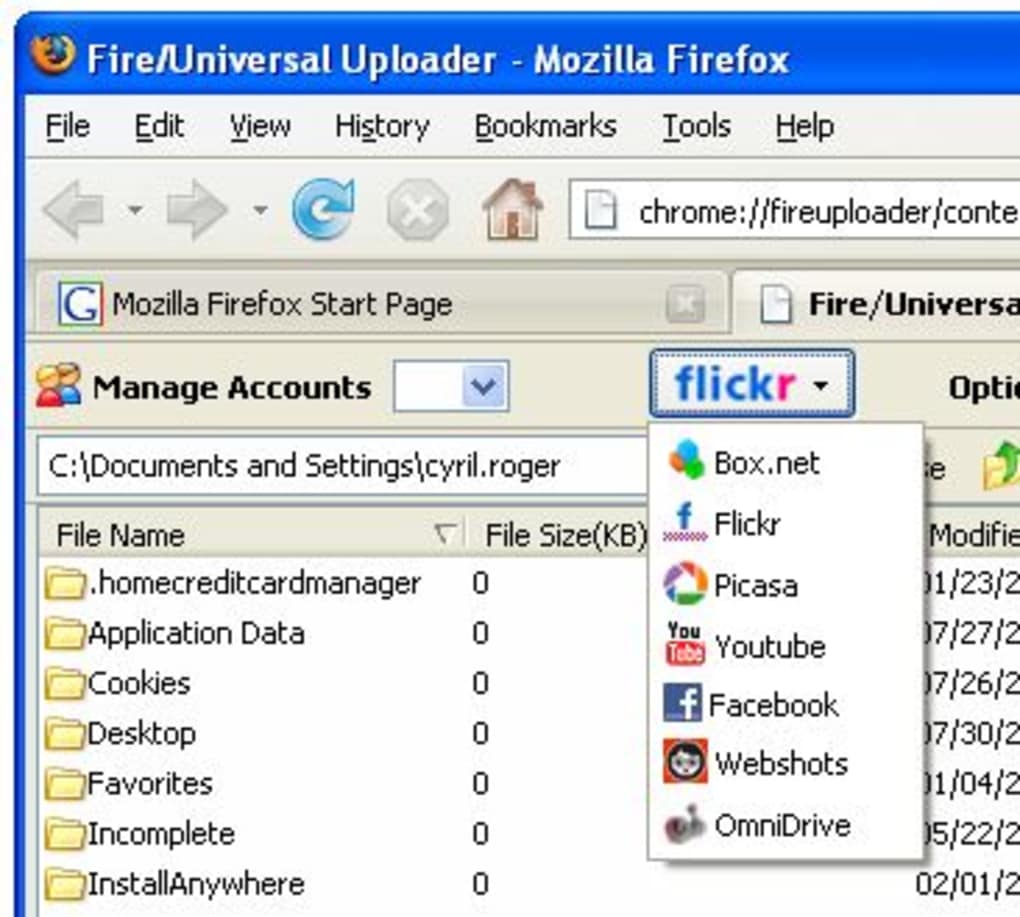
- Unified upload panel for multiple services (YouTube, Flickr, Picasa, Google Docs, etc.).
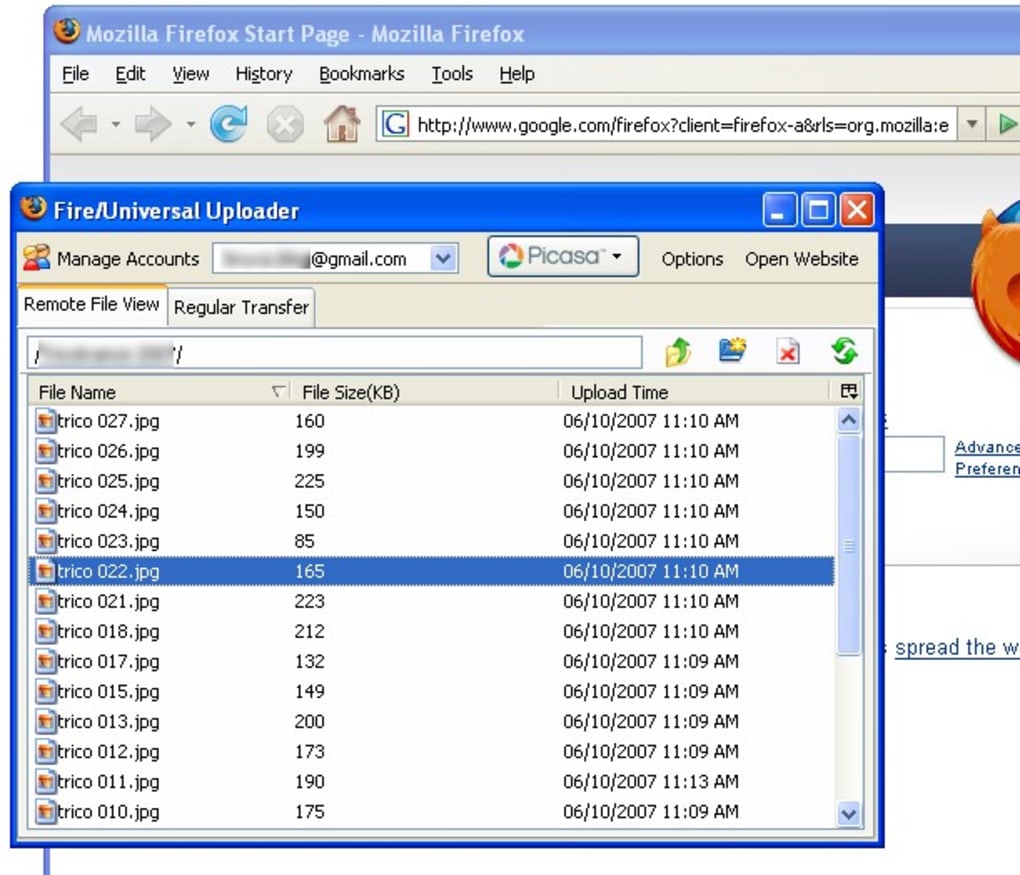
- Explorer‑style file browser that supports drag‑and‑drop, batch selection, and folder hierarchy.
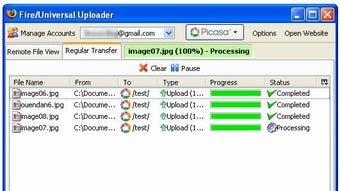
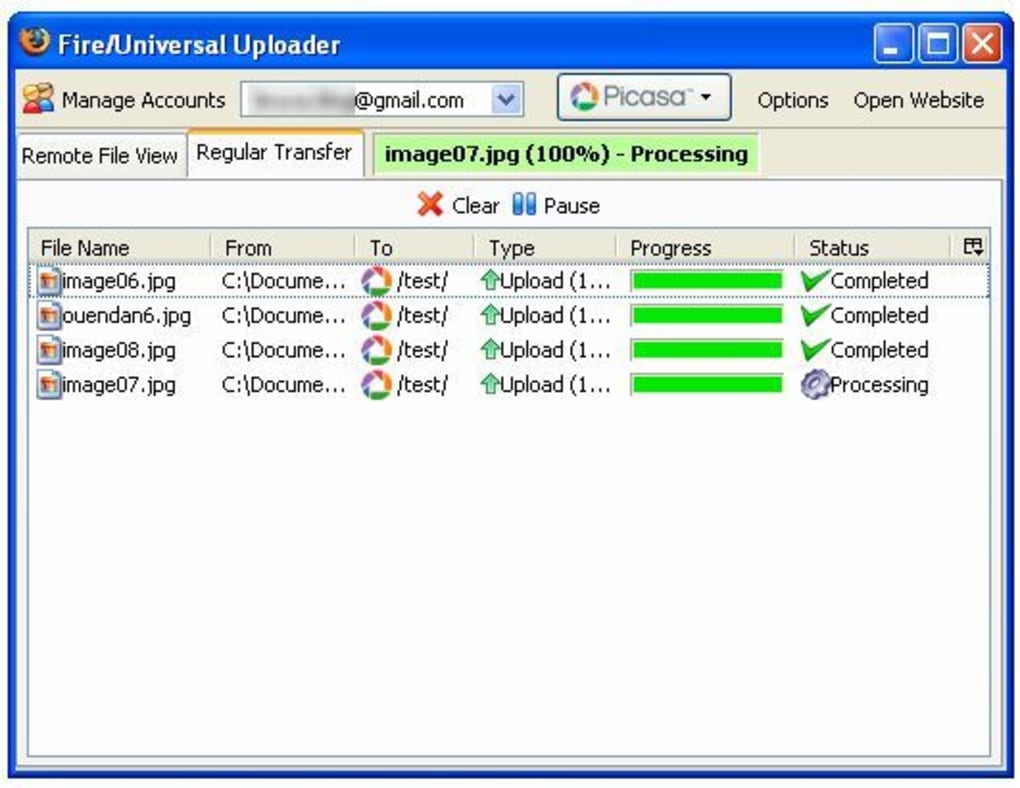
- Beta “new panel” interface with enhanced status indicators and progress bars.
- Built‑in support for downloading files from Google Docs directly into the panel.
- Automatic handling of authentication tokens for each service, keeping passwords secure.
- Ability to resume interrupted uploads and to queue multiple files for sequential processing.
- Special‑character handling for video titles on YouTube and Flickr, preventing upload failures.
- Context‑aware error reporting with detailed logs for troubleshooting.
- Lightweight footprint – the extension adds less than 2 MB to Firefox’s memory usage.
- Free updates via Mozilla Add‑ons portal, with optional donation link for supporters.
Installation & Usage Guide
Installing Firefox Universal Uploader is straightforward. Open Firefox, navigate to the official Mozilla Add‑ons page, and search for “Firefox Universal Uploader”. Click the “Add to Firefox” button, confirm any permission prompts, and the extension will appear as a small icon in the lower‑right corner of the browser. For users who prefer a dedicated tab, go to the main menu, select Tools → FireUploader, and the full interface will open in a new tab, providing a larger workspace and additional menu options.
Once installed, the first step is to configure the services you intend to use. Click the gear icon in the panel to open the Settings dialog. Here you can add accounts for YouTube, Flickr, Google Docs, and any other supported platforms.
The extension securely stores OAuth tokens, so you will only need to sign in once per service. After authentication, the main panel displays a file tree mirroring your local system. Use the “Add Files” button or simply drag files from your desktop onto the panel.
Each file appears with a thumbnail (for images and videos) and a status column.
To start an upload, select one or more items and choose the target service from the drop‑down menu. The extension automatically applies the appropriate API calls, handles any required metadata (such as video titles, descriptions, and privacy settings), and begins the transfer. Progress bars update in real time, and any errors are logged in the “Messages” tab at the bottom of the window. If an upload fails because of a wrong password or an expired token, the panel will highlight the problematic file and provide a “Retry” button that re‑authenticates the service.
Deleting files from the queue is as simple as selecting them and pressing the “Delete” key or clicking the trash can icon. While earlier versions sometimes displayed ambiguous error messages when deletion failed, the latest beta resolves most of those issues and now offers a clear tooltip explaining the cause (e.g., “File already uploaded” or “Network timeout”). For downloading from Google Docs, choose “Download” from the service menu, select the desired documents, and specify a local folder. The downloaded files retain their original format and metadata, making the process seamless for users who need both upload and download capabilities in a single tool.
Compatibility, Pros & Cons
Supported Platforms: Firefox Universal Uploader runs on any operating system that supports the latest version of Mozilla Firefox, including Windows 10/11, macOS 12 and newer, Linux distributions with Firefox, and Firefox for Android (limited UI). The extension automatically adapts to the underlying OS theme, ensuring a consistent look across platforms.
Pros
- All‑in‑One Interface: Eliminates the need to open multiple web pages for each upload destination.
- Batch Uploads: Handles large numbers of files with a single click, saving time for heavy uploaders.
- Secure Authentication: Uses OAuth tokens, so passwords are never stored in plain text.
- Regular Updates: The development team actively fixes bugs and adds service support.
- Free to Use: No hidden fees; optional donation for continued development.
- Cross‑Platform: Works on Windows, macOS, Linux, and Android via Firefox.
- Download Support: New ability to pull files from Google Docs directly into the panel.
Cons
- Deletion errors may still appear under rare network conditions.
- Incorrect passwords do not trigger an immediate warning, which can confuse some users.
- The full‑tab interface is slightly slower to load on older machines.
- Limited customization of UI themes beyond the default light/dark modes.
- While most major services are supported, niche platforms may require manual API integration.
Frequently Asked Questions
Is Firefox Universal Uploader free or does it require a subscription?
The extension is completely free to download and use. The developers offer an optional donation link for users who wish to support ongoing development, but there are no hidden fees or subscription plans.
Can I upload files larger than 2 GB?
Yes. The uploader respects the size limits imposed by each target service (e.g., YouTube allows videos up to 128 GB). The extension itself does not impose a file‑size ceiling, but extremely large files may take longer to process and could be subject to network timeouts.
Does the tool store my passwords?
No. Firefox Universal Uploader uses OAuth authentication where possible, storing only encrypted tokens provided by the service. Your actual passwords are never saved in plain text within the extension.
I’m using Firefox on Android – is the full‑tab interface available?
On Android, the extension runs in a compact pop‑up mode due to screen size constraints. The full‑tab UI is reserved for desktop versions of Firefox (Windows, macOS, Linux). However, all core upload functions remain fully functional on mobile.
How do I report a bug or request a new feature?
Bug reports and feature requests can be submitted through the extension’s page on the Mozilla Add‑ons site. There is a “Support” tab where you can describe the issue, attach screenshots, and the development team will respond within a few business days.
Conclusion & Call to Action
Firefox Universal Uploader fills a clear niche for power users who spend a lot of time moving media between their local machines and popular web services. Its unified panel, batch‑upload capabilities, and secure authentication make it a compelling add‑on for anyone looking to streamline their workflow inside Firefox. While a few minor usability quirks remain—such as occasional deletion warnings and the lack of immediate password error feedback—the continuous updates and responsive developer support indicate that the tool is evolving in the right direction. If you regularly upload photos to Flickr, videos to YouTube, or documents to Google Docs, installing this extension can save you minutes (or even hours) each week.
Ready to simplify your uploads? Download Firefox Universal Uploader now and start managing all your files from a single, secure Firefox window. Experience faster uploads, clearer progress tracking, and the peace of mind that comes from using a tool built specifically for the Firefox ecosystem.
Firefox Universal Uploader offers a cohesive and efficient solution for bulk media uploads directly from Firefox. Its Explorer‑style interface, combined with support for major platforms, makes it a standout extension for creators and power users alike.







